
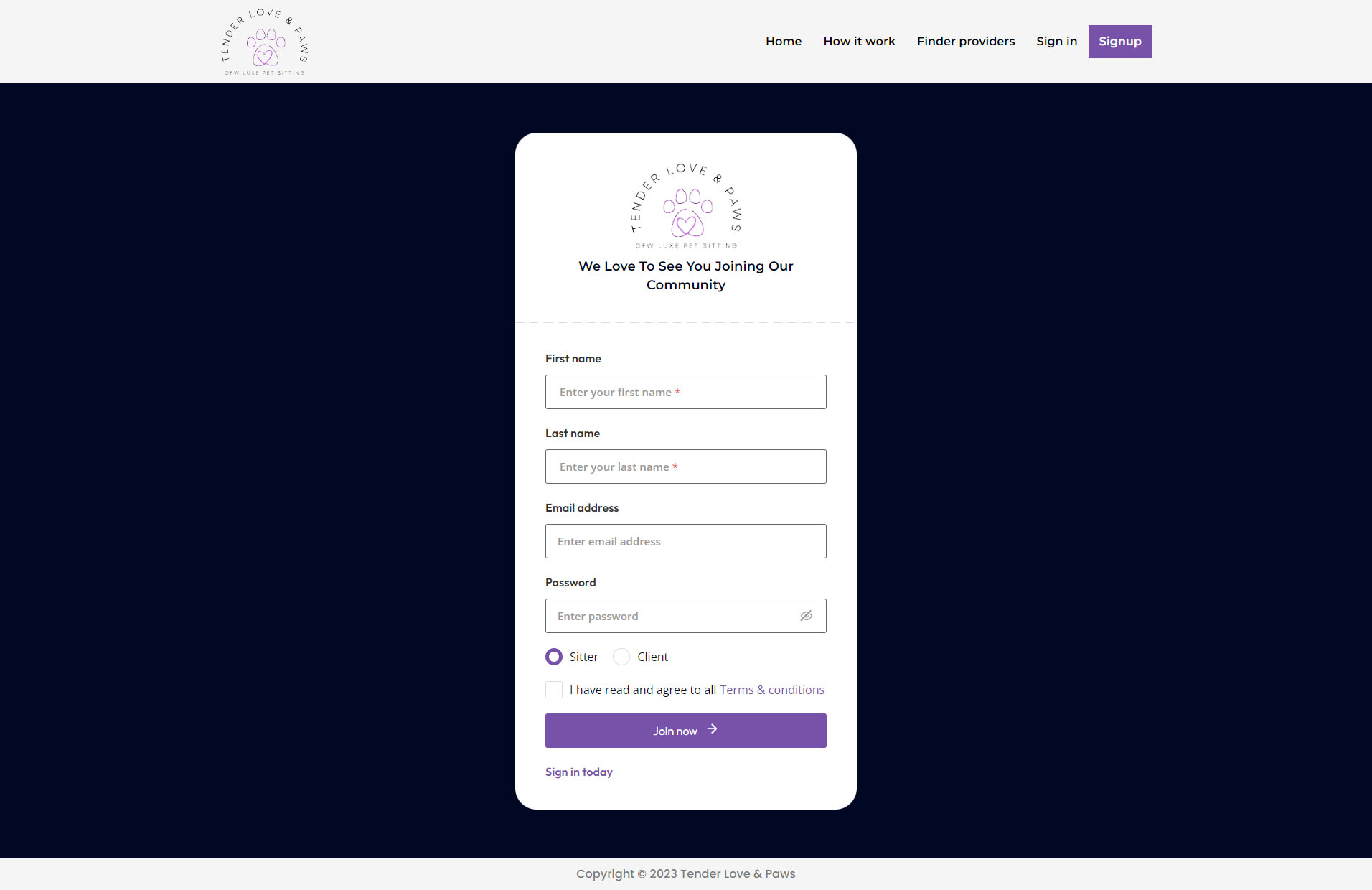
Visit our signup page and register your account with your personals details as a sitter.

After a successful registration, please check your email for a confirmation email from us, Confirm your email by clicking the provided link.

Once your account is confirmed you can go to verification hub and upload signed documents for further verification.

After you upload the signed documents, we will review your application and approve your account.
While we are reviewing your application you can go ahead and complete your profile by clicking manage profile link in dashboard page and add following details:
After completing profile and getting approval you can start hiring sitters by visiting find sitters page